



Updated: May 2026
You surely know the trend “For the first time, dragon fruit is in instant noodles,” where the boss approved a budget of just VND 200 million, right? In this article, I’ll walk you through the entire process of producing a viral music video with lyrics along the lines of the “For the First Time” dragon fruit trend—all that’s missing is the mascot.
AI lets people who know nothing about making music create their own tracks for fun. For professional producers, it shortens many stages of songwriting and production, including:
- Song lyrics generated with AI
- Background music and melody generated with AI
- Singing vocals (with tuning included) generated with AI
- Images generated with AI
- If you need subtitles, use Capcut AI
The workflow includes:
- Artistic song cover art
- Writing song lyrics
- Creating music from lyrics
- Converting the vocals to the voice of a singer you want, or to your own singing voice.
1. Create Cover Art for Your Song.
You have complete creative freedom to make your music cover art using Photoshop, Canva, AI Image Creator…
Here is a streamlined workflow for creating a nature-themed image using your own photo.
The input you need to prepare for this AI tool is a black-and-white image.
You can look at the attached image to understand the type of black-and-white image I mean. To create this kind of image, you’ll need to work in Adobe Photoshop.
Convert your image to vector format with vectorizer completely free, then use Photoshop, Corel, or Illustrator to turn it into black and white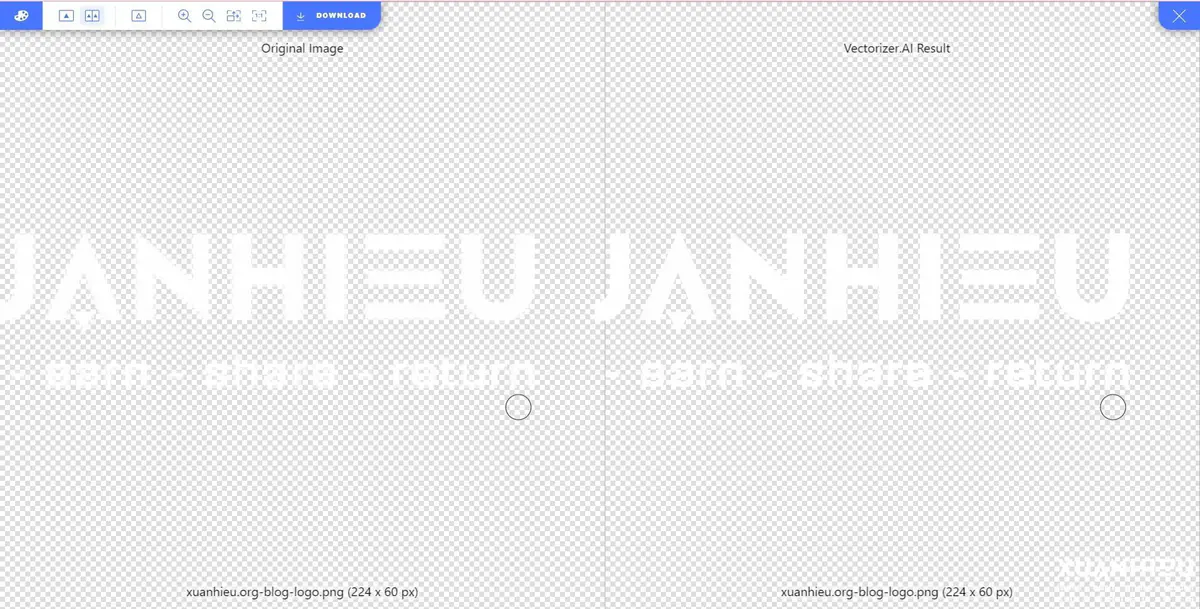
Then go hereFor the prompt, you only need to enter the essential elements, such as waterfalls, nature, plants,… basically, the subjects. Make sure you put everything in English.
The Negative Prompt describes what you don’t want to appear in the image. You can enter “people” to keep people out of the image.
My prompt for the image below is: waterfall, river, majestic, nature, landscape, flowing water, serene, scenic, high resolution, crystal clear, detailed, vibrant colors, darklight, reflection, untouched, beauty, outdoors, purity, realistic, highly detailed photo, 4k
Negative Prompt: nude, disfigured, bad art, deformed, deformed fingers, deformed hands, 6 or more fingers, poorly drawn, extra limbs, weird colors, blurry, blurred image, watermark, cropped head, cropped, sketch, drawing, painting, weird face features, weird expressions, wrong face features, deformed eyes, deformed face features, bad eyes coordination, wrong coordination.
Once everything is ready, click Run and wait a little for it to generate. Currently, it can only create square images; if you want more customization, you’ll need to use Stable Diffusion.
2. Create LYRICS: The Words to Your Song
To create lyrics, just write a simple prompt for ChatGPT, making sure to include the song’s theme and style.
Here is my prompt for reference:
Create a story for {…}, and present it as lyrics with clearly divided sections including: Verse, Pre chorus, Chorus Bridge. The song’s style is love song, rap
3. CREATE MUSIC FROM LYRICS
Go to the music creation website and log in.
In the dashboard, select “Create (Custom)” because this is the option that lets you enter lyrics. Now just copy the lyrics from ChatGPT and paste them in.
For Style, enter the type of music you like. I often enter _love song, pop, funky, acoustic, rap,…_Things to keep in mind when creating music from lyrics:
- You won’t be able to choose the singing voice or customize the output.
- To find a suitable song, I usually generate it around 4 or 5 times before I get one with clear vocals and suitable music.
- Each generation is limited to 1:20. Once you have a track you like, just download it.
4. Change the Vocals to a Suitable Singer’s Voice or Your Own
Go hereThis website lets you create any voice (singing, speaking, podcasts…) and train a Voice Model very easily. It’s not as complicated as the 2 methods above. All you need to do is provide the input data. In this case, the data consists of vocal files with the vocals separated from the beat.
If you want to separate vocals from music, you can check out Vocalremover.org and x-minus.pro.
Bài liên quan
- Download Comet Perplexity AI Browser (Latest 2026): Official Links & How to Get an Invite Code Instantly
- CREATING AN ETSY ACCOUNT IN VIETNAM IN 2024 – OPPORTUNITIES AND CHALLENGES?
- A Perspective on SEO Without Backlinks or Tricks.
- Case study "Cổ Nhân Chỉ Lộ": the secret to attracting millions of views using AI images
- AFFILIATE FINANCE: KOLs or SCAMMERS??
- What Is Checkpoint 282? A Guide to Unlocking Facebook Checkpoint 282
- Threads – a traffic goldmine affiliate marketers cannot afford to miss
- HOW TO CHOOSE NUTRA OFFERS AS A BEGINNER
Bài liên quan
- Download Comet Perplexity AI Browser (Latest 2026): Official Links & How to Get an Invite Code Instantly
- CREATING AN ETSY ACCOUNT IN VIETNAM IN 2024 – OPPORTUNITIES AND CHALLENGES?
- A Perspective on SEO Without Backlinks or Tricks.
- Case study "Cổ Nhân Chỉ Lộ": the secret to attracting millions of views using AI images
- AFFILIATE FINANCE: KOLs or SCAMMERS??
- What Is Checkpoint 282? A Guide to Unlocking Facebook Checkpoint 282
- Threads – a traffic goldmine affiliate marketers cannot afford to miss
- HOW TO CHOOSE NUTRA OFFERS AS A BEGINNER